

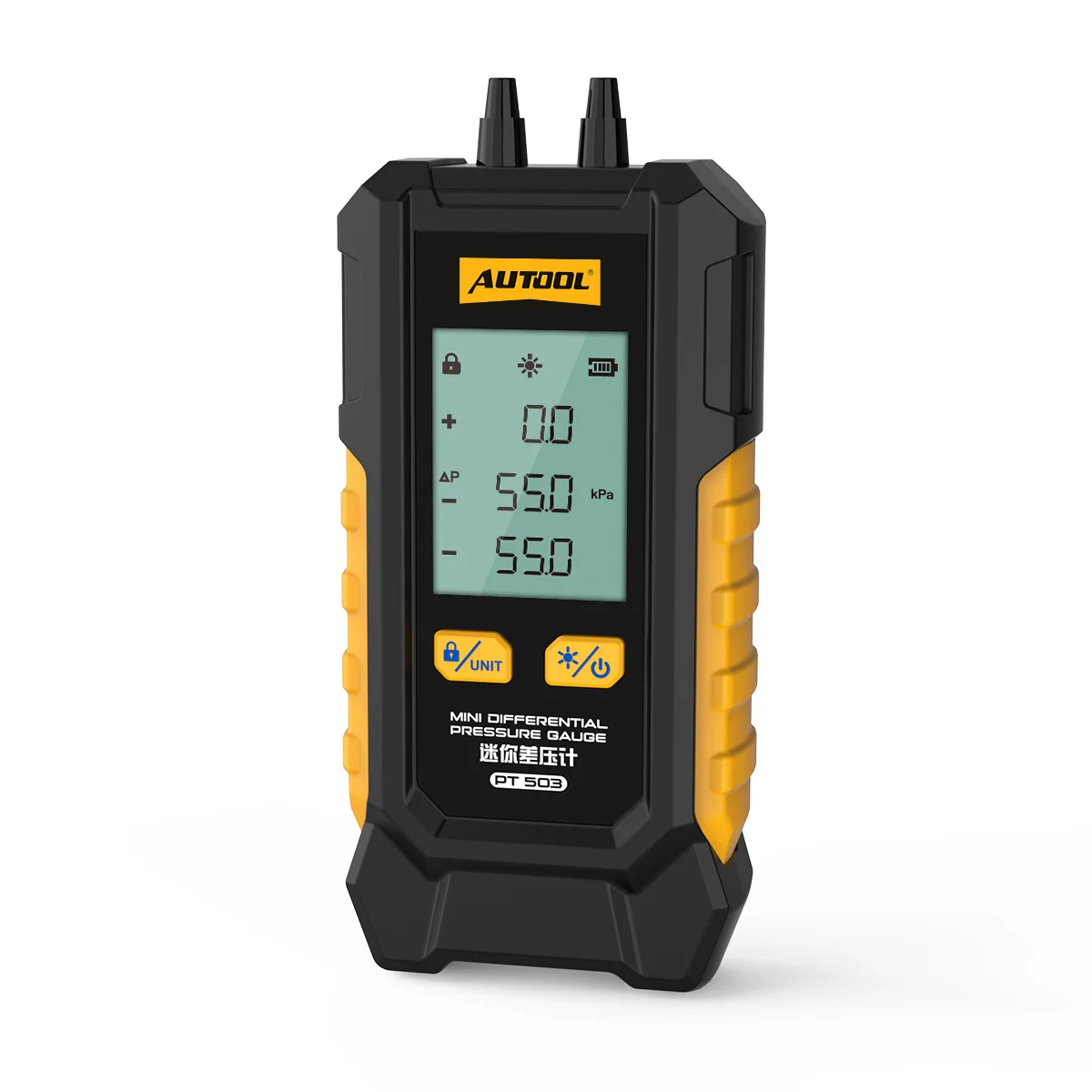
Digital Differential Pressure Gauge

Products
Testing, maintenance, tire & chassis and EV service equipment for professional workshops.
All products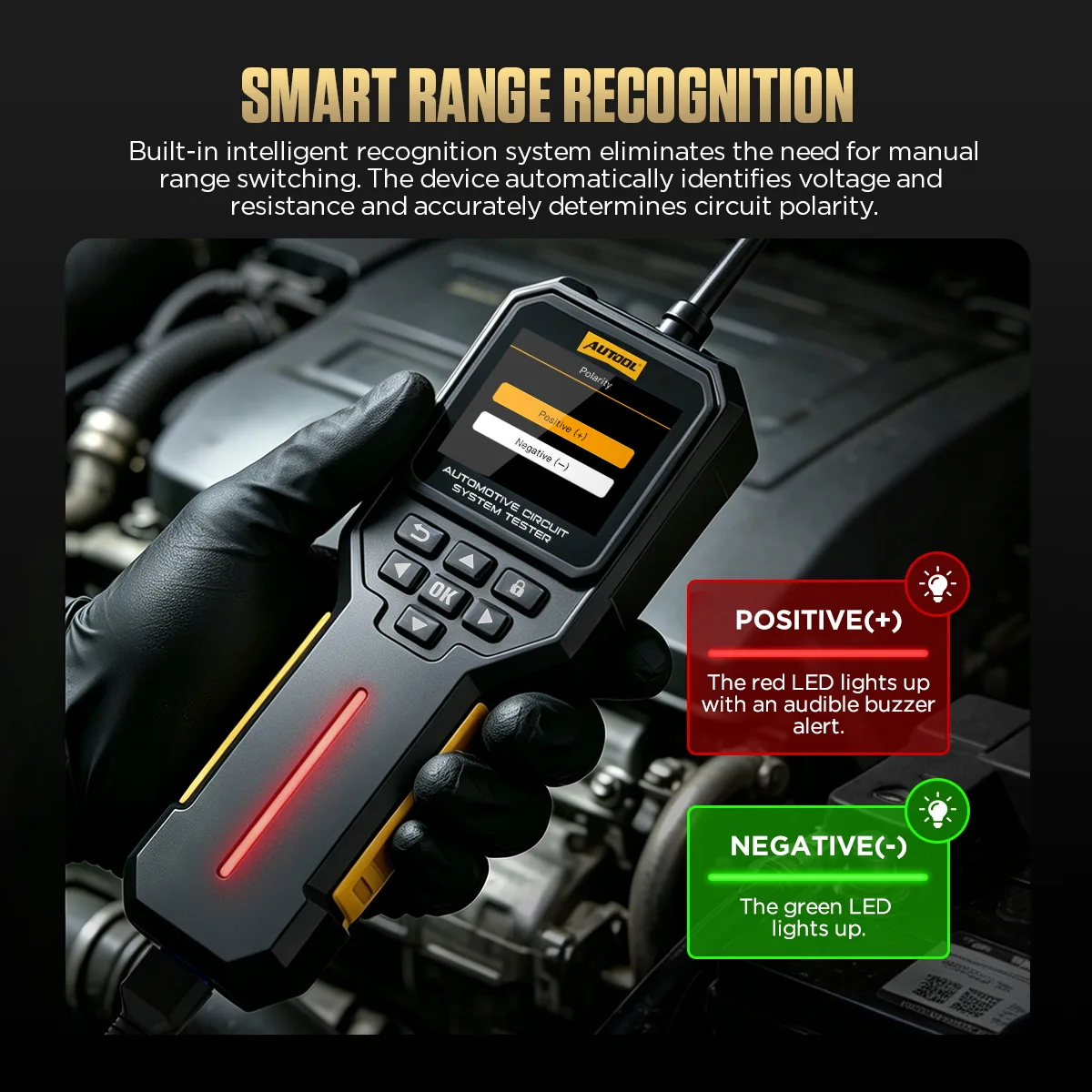 DM109 Automotive Circuit System Tester
Automotive Repair & Testing Equipment
Automotive Repair & Maintenance Equipment
About
AUTOOL designs and builds professional automotive testing and maintenance equipment in Shenzhen.
About AUTOOL Meet AUTOOL at AAPEX & SEMA 2026
Digital Manometer digital oil pressure gauge digital pressure gauge Exhaust Pressure Gauge cylinder pressure tester
Overview
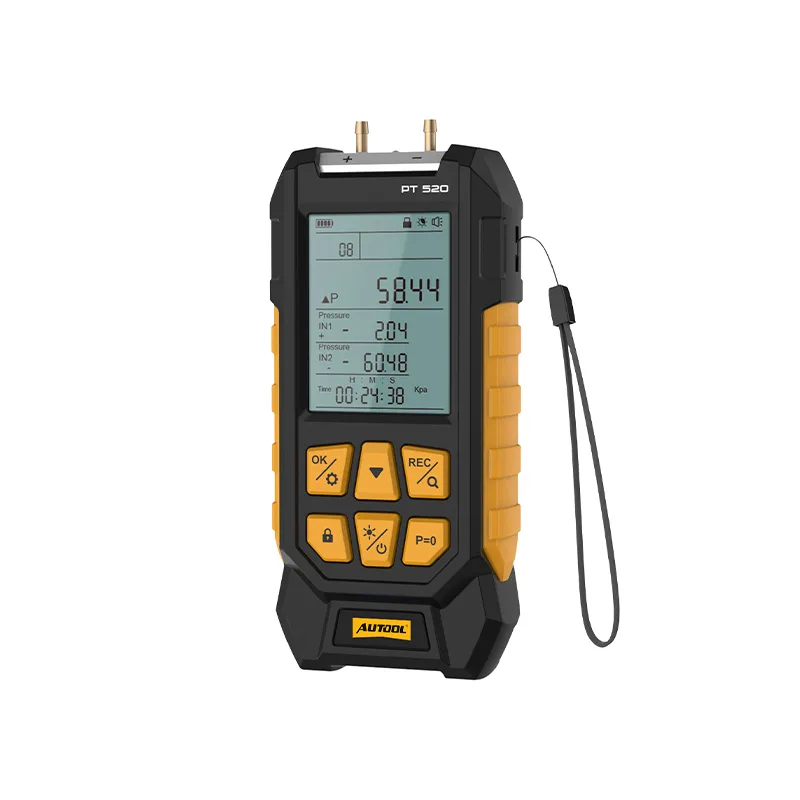
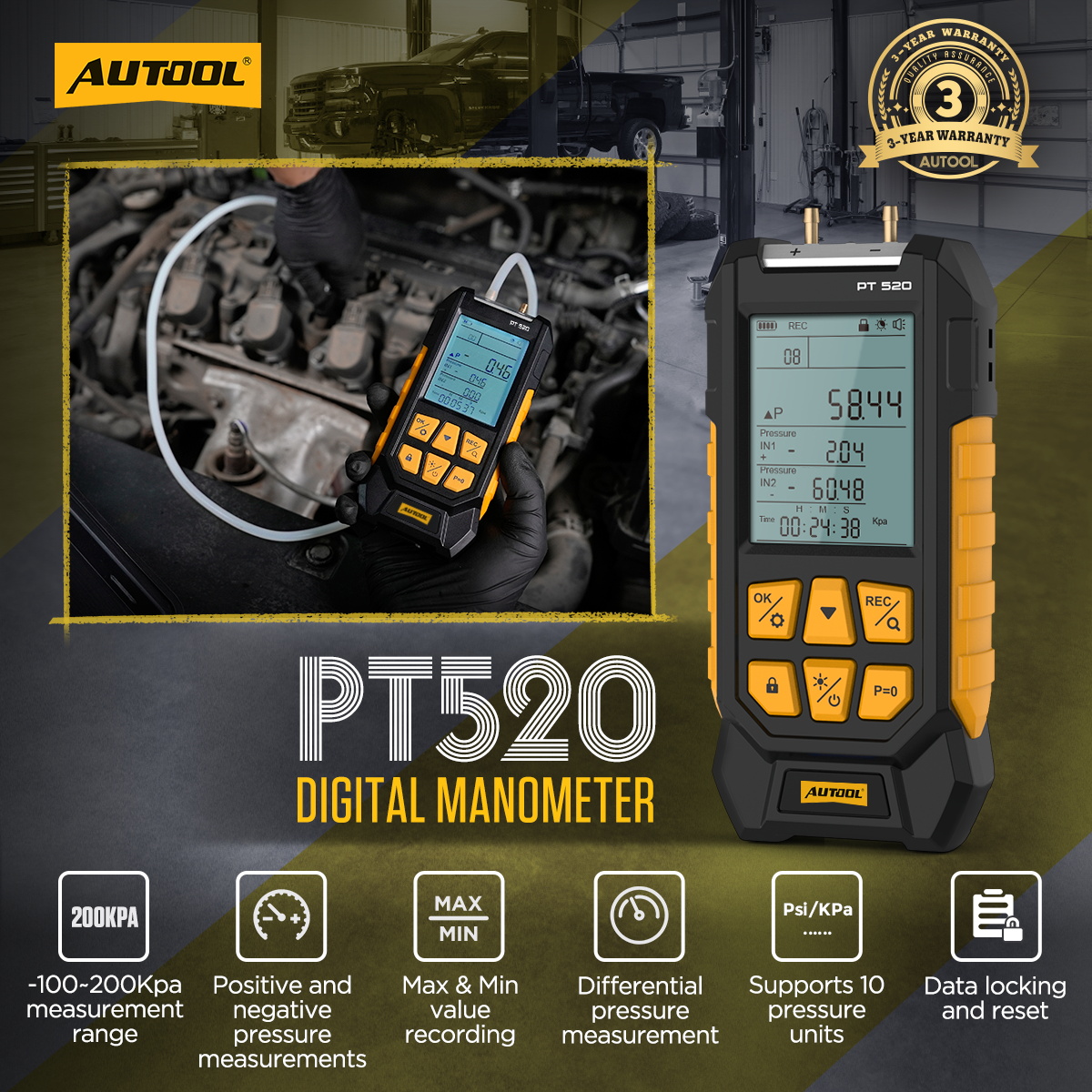
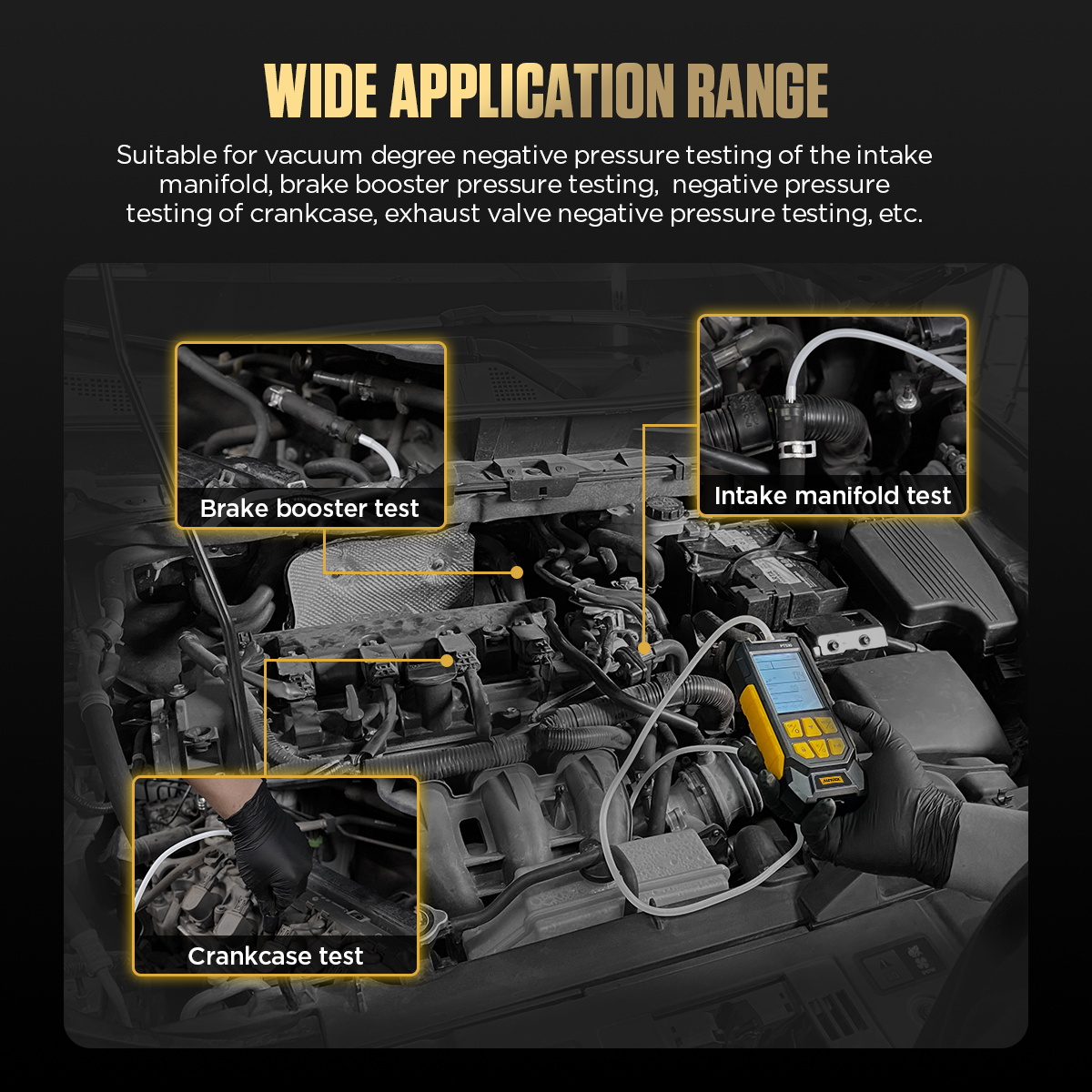
AUTOOL PT520 Digital Manometer checks car parts like intake manifold vacuum, brake booster pressure, crankcase pressure, and exhaust valve pressure with 10 switchable units, wide range, fast and accurate readings, and is a must-have for auto repair and maintenance.
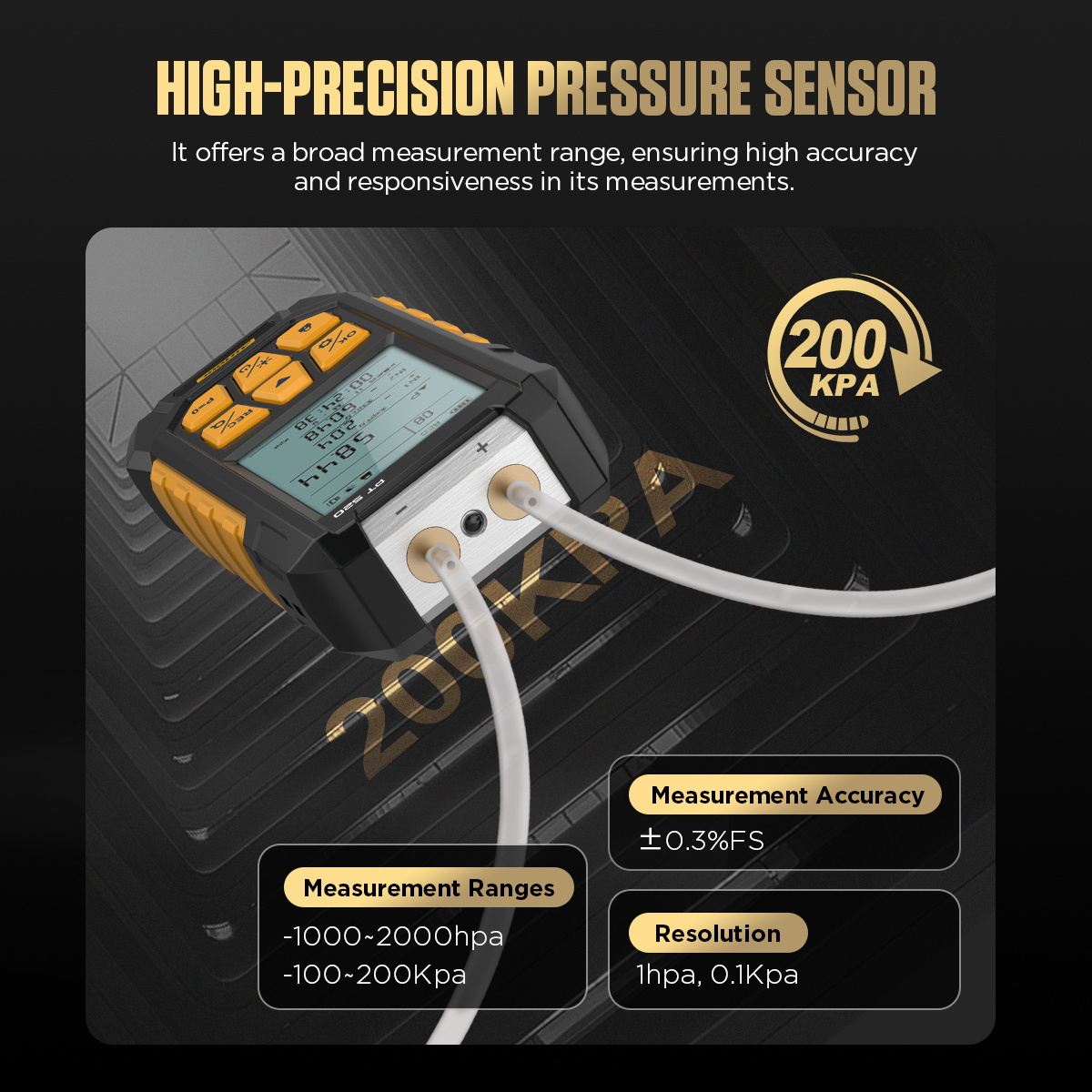
High-Precision Pressure Sensor: The PT520 pressure sensor works for many pressure levels. It gives quick and correct results every time.
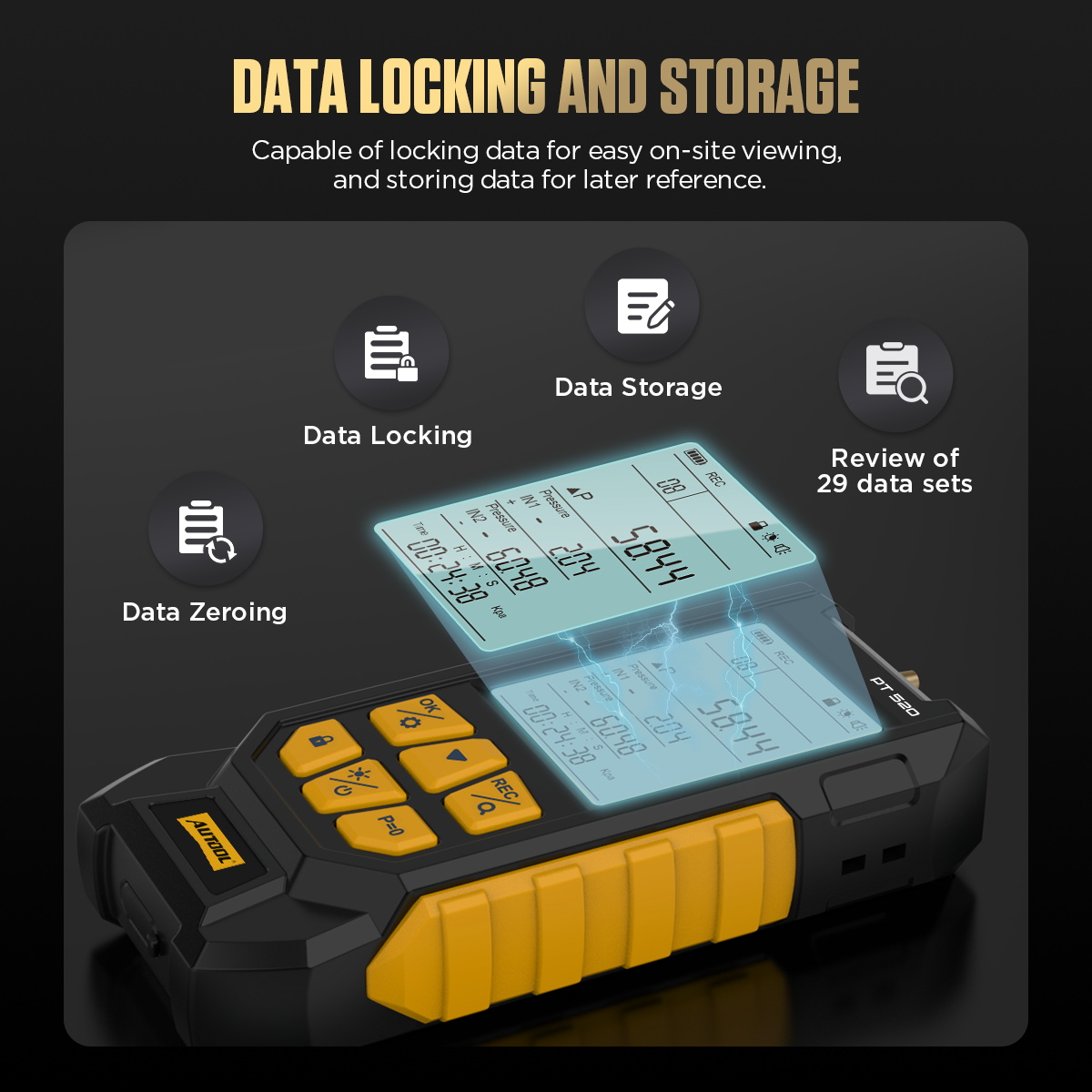
Data Locking And Storage: The PT520 locks data during testing. Workers can check and save data right away. This helps organize information and keeps records safe.
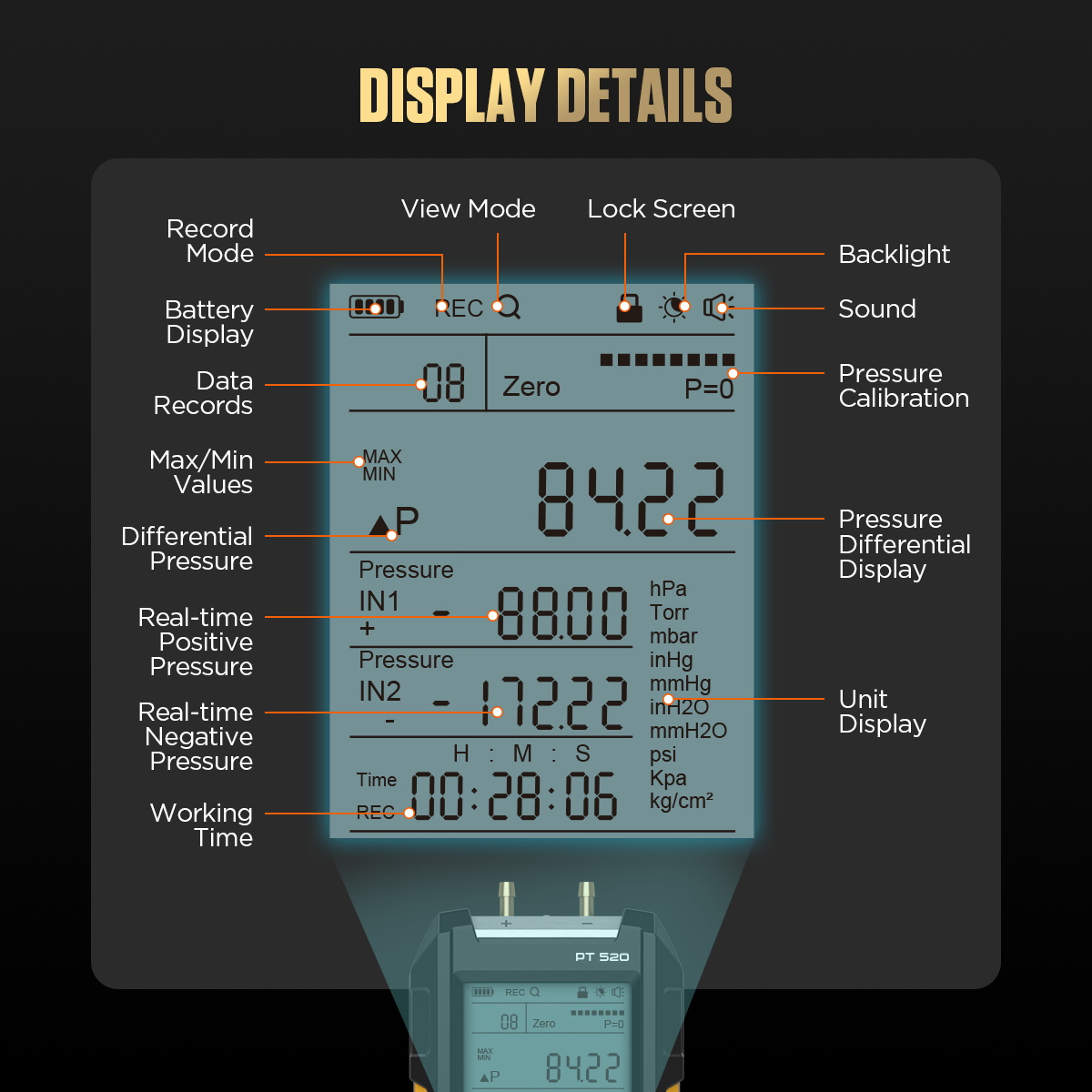
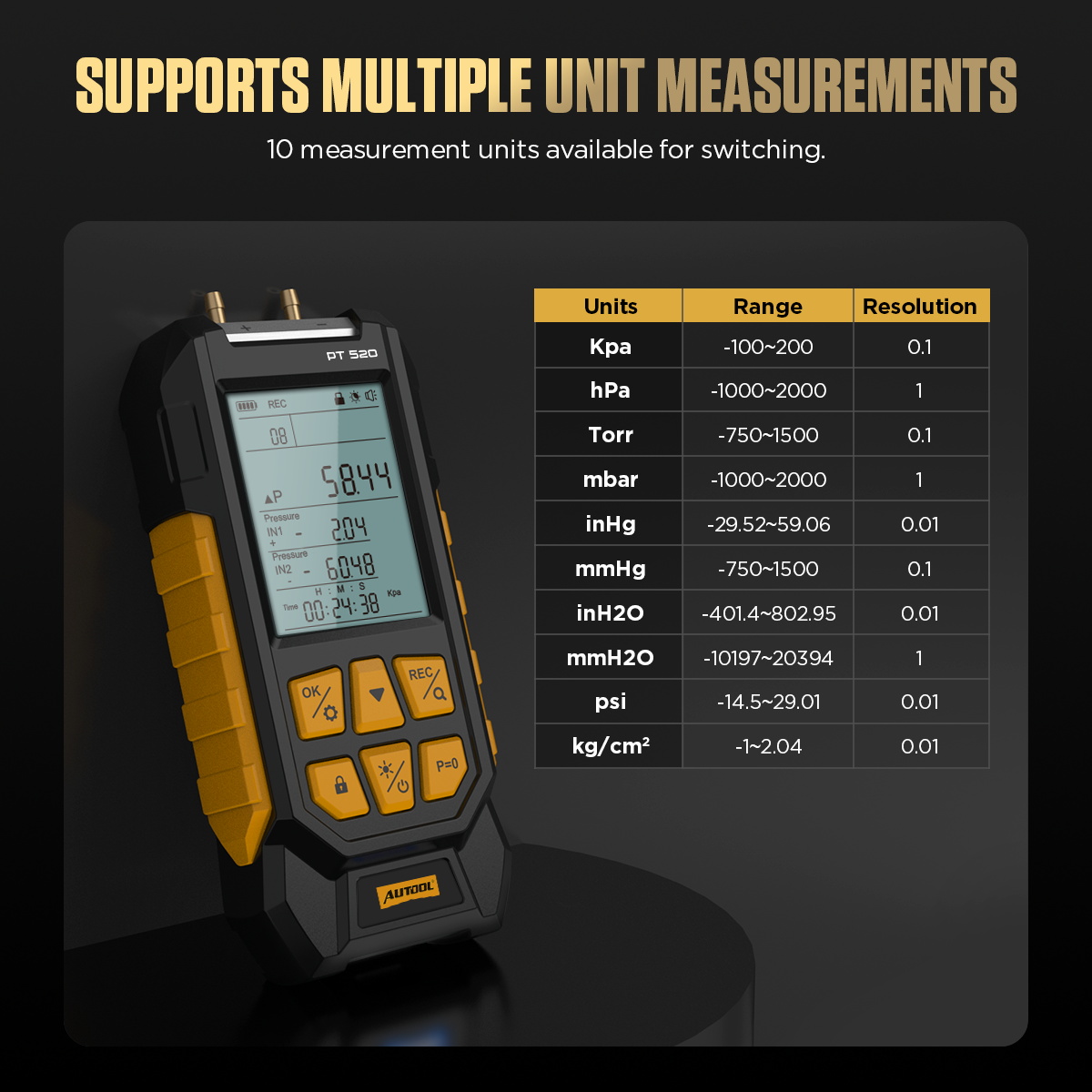
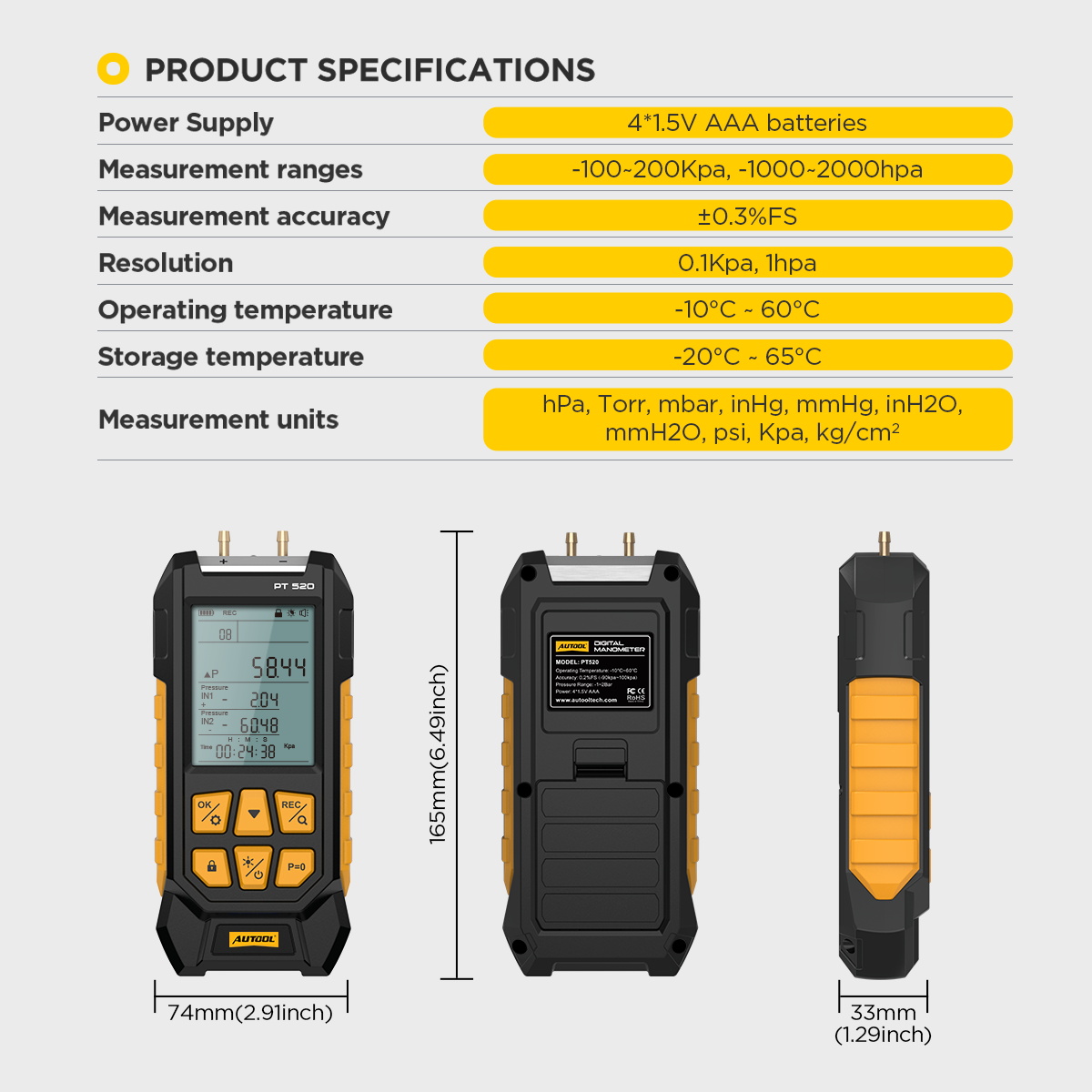
Supports Many Measurement Units: Switch between 10 units like kPa, hPa, Torr, mbar, inHg, mmHg, inH2O, mmH2O, psi, and kg/cm².
Wide Use: Test vacuum pressure in car parts like intake manifolds, brake boosters, crankcases, and exhaust valves.
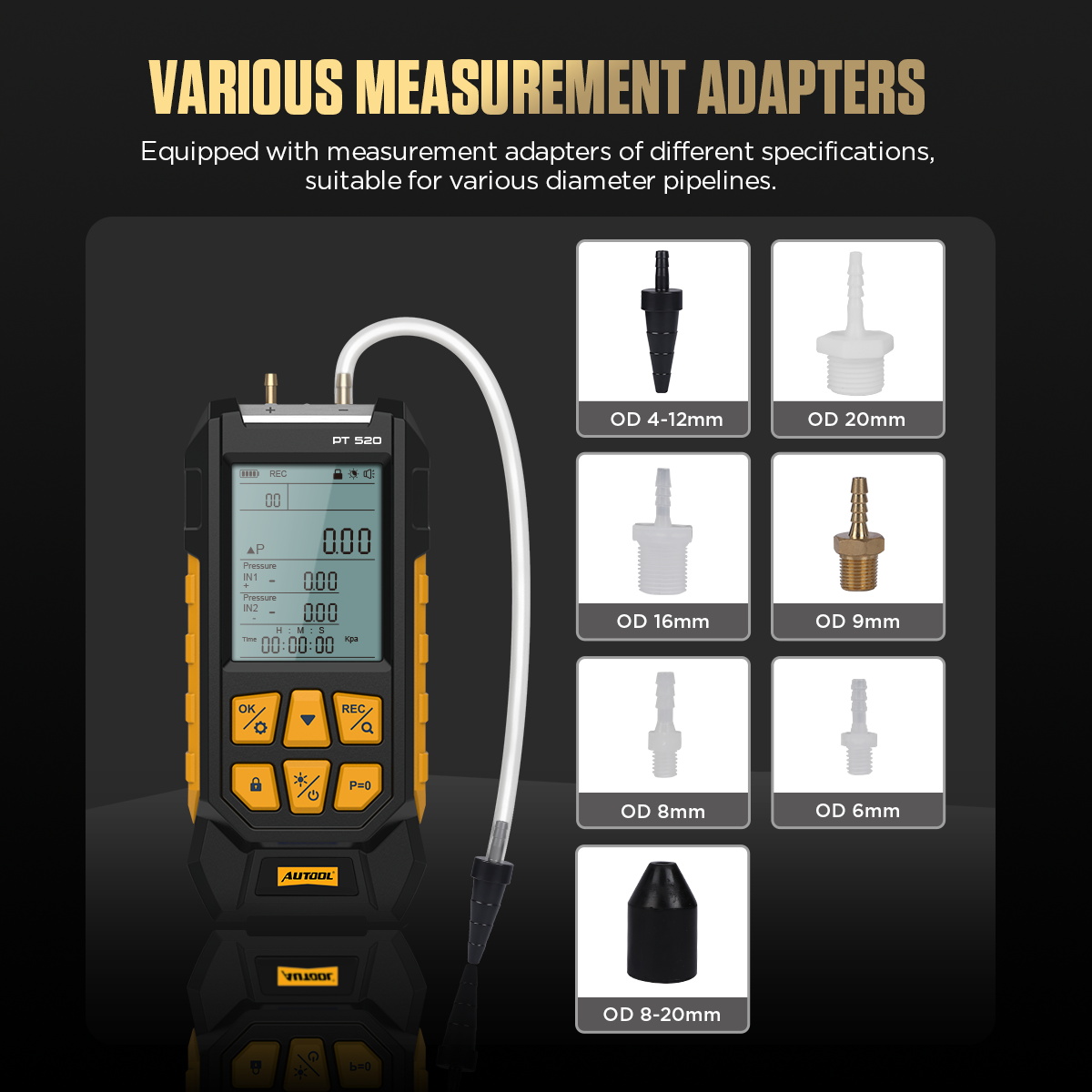
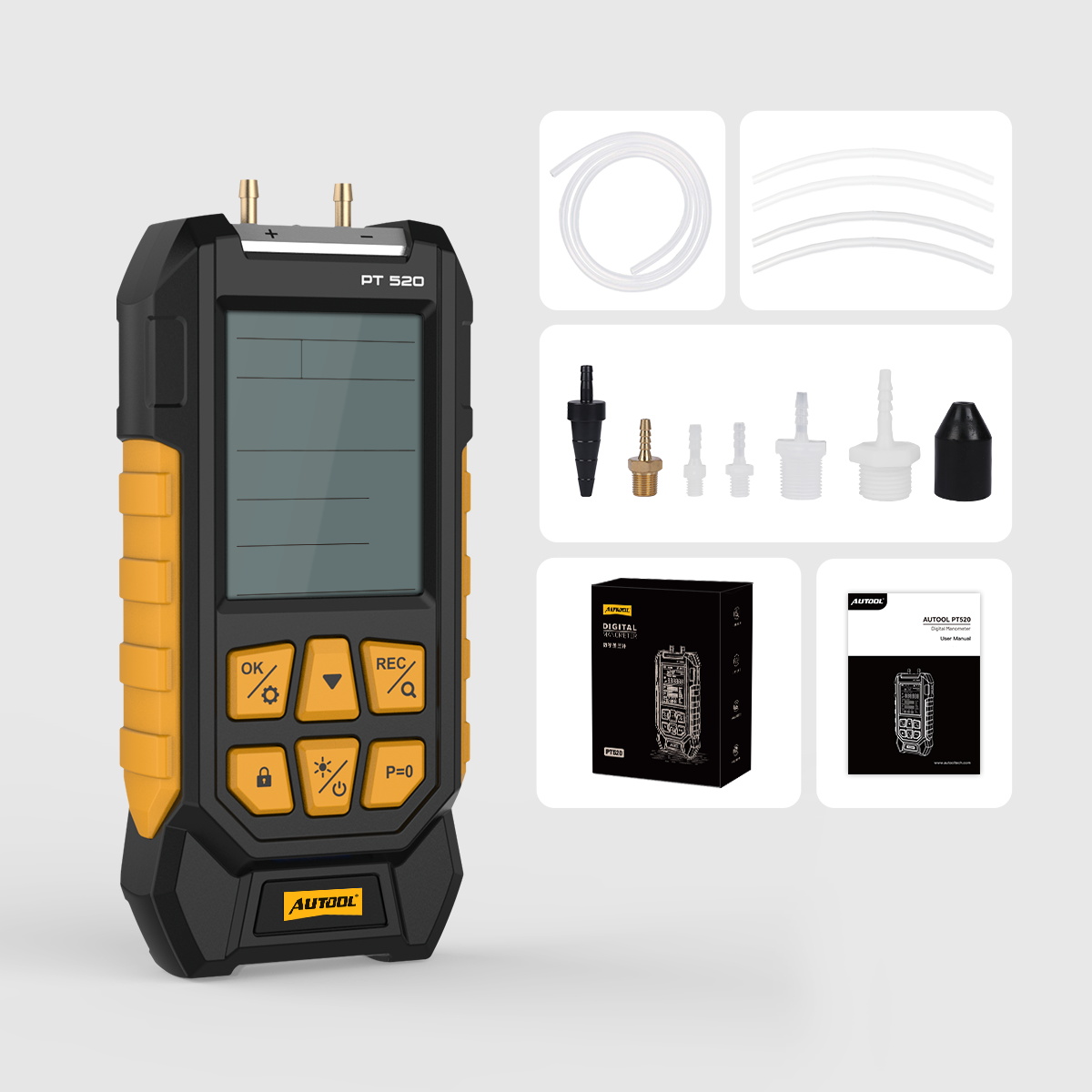
Multiple Adapters: Comes with different adapters for pipes of all sizes.
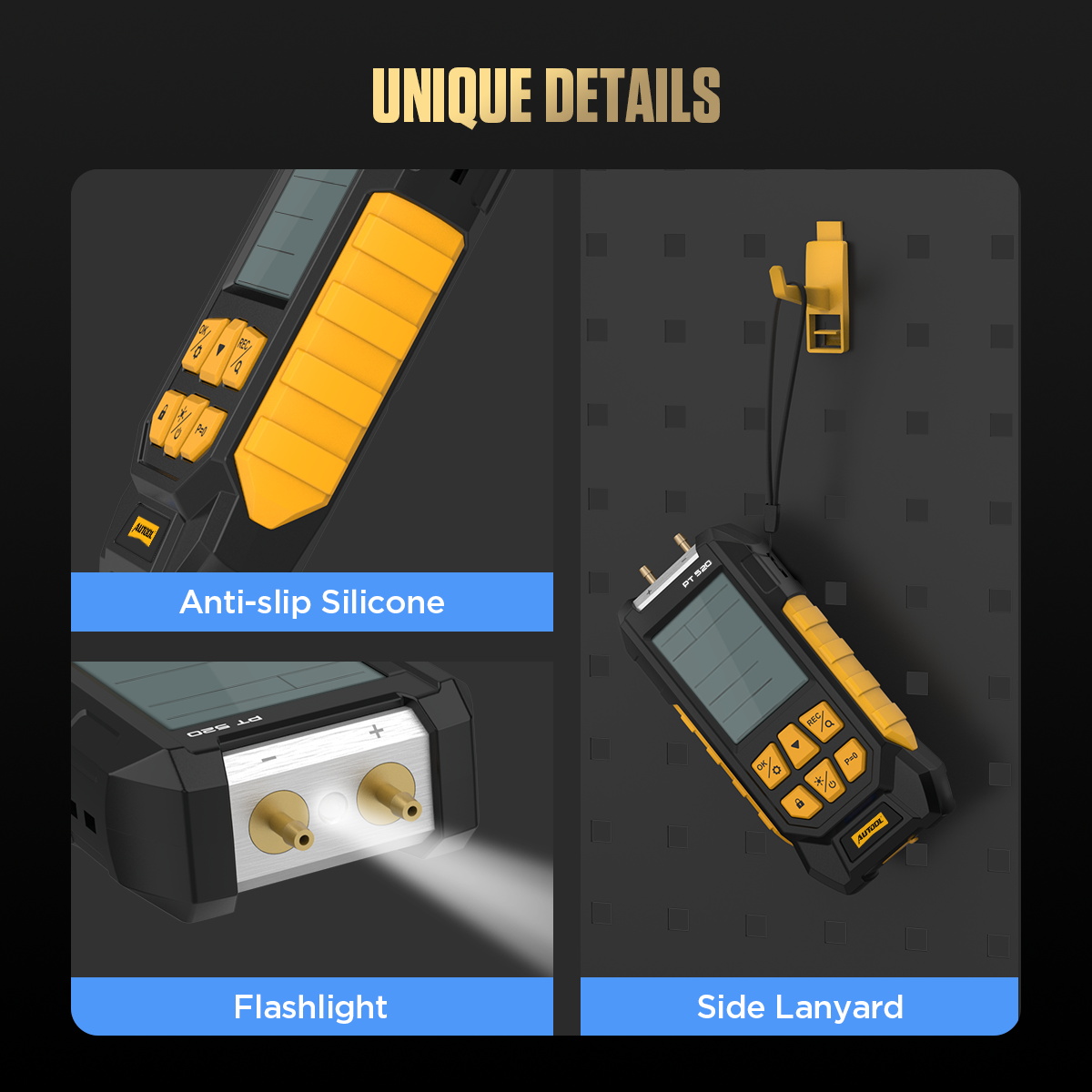
Smart Design: Shows data on a bright screen with backlight. Displays battery level. The silicone cover stops slipping. The side strap makes storage easy.
Three-year warranty: For damages caused by non-human factors, AUTOOL promises to provide free replacement parts within three years. If you have any requests, please feel free to contact us, and we will respond promptly within 24 hours.
Connection Method: First, connect the device to the included hose. Next, use an adapter to attach it to a larger hose. Finally, link it to your measurement tool.
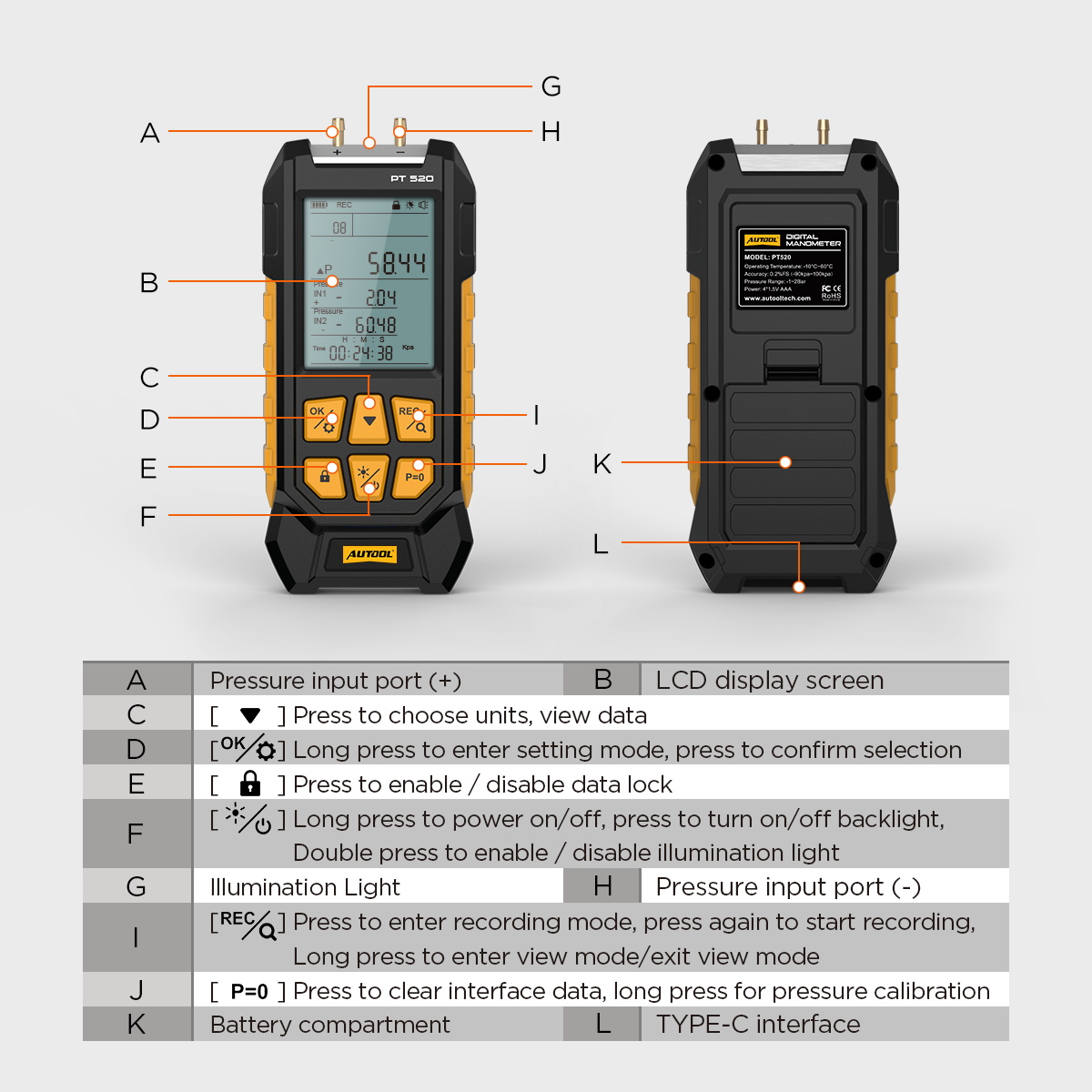
Backlight Selection: Press the backlight key once to turn the backlight on or off. Double-click the key to activate the flashlight.
Data and Interface Lock: Press the lock button once to lock all data, screen settings, sounds, and backlight. A lock icon will show on the screen.
Press the lock button again to unlock everything. The lock icon will vanish.
Unit Settings: Hold the Setting button for 2 seconds to enter settings. Use the down button to pick 1 of 11 units. Press the ok button to save and return to the main screen.
Automatic Shutdown: The device turns off by itself after 10 minutes of no use or no pressure.
Specifications
Videos
 Play video: AUTOOL PT520 DIGITAL MANOMETER
AUTOOL PT520 DIGITAL MANOMETER
Support
User manual
Support library
Support library
More in this category
Digital Differential Pressure Gauge
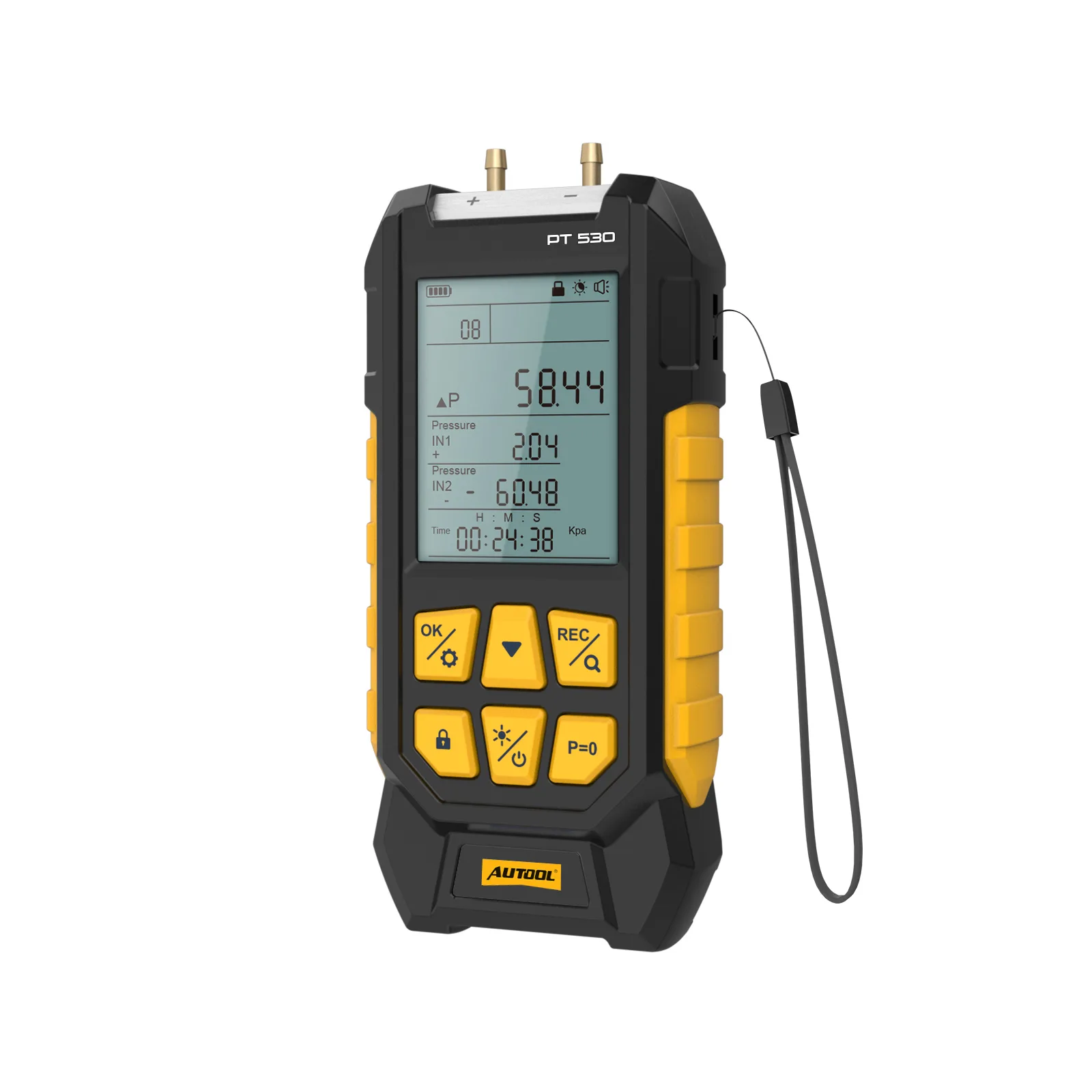
Digital Differential Pressure Gauge
We and our partners use cookies and similar technologies to run this website, measure performance and show relevant ads. Under some U.S. state laws, sharing data for targeted advertising may be a "sale" or "sharing" of personal information. You can opt out below. Your choice applies to this browser on this device.We use cookies and similar technologies to run this website. With your consent we also use them to measure performance and show relevant ads. Choose which categories you allow; you can change or withdraw your consent at any time from the "Cookie settings" link in the footer.
Your browser is sending a Global Privacy Control (GPC) signal. We have treated it as a request to opt out of the sale or sharing of your personal information and targeted advertising for this browser.
Allows us and our advertising partners to use cookies and similar technologies to show you ads based on your activity across websites. Turn this off to opt out of the "sale" or "sharing" of your personal information and targeted advertising.Used by us and our advertising partners to show you relevant ads and measure their effectiveness.
Turned off by your GPC signal
Helps us understand how the website is used so we can fix problems and improve it.
Required for website functionality, privacy choices and security. These are always on.